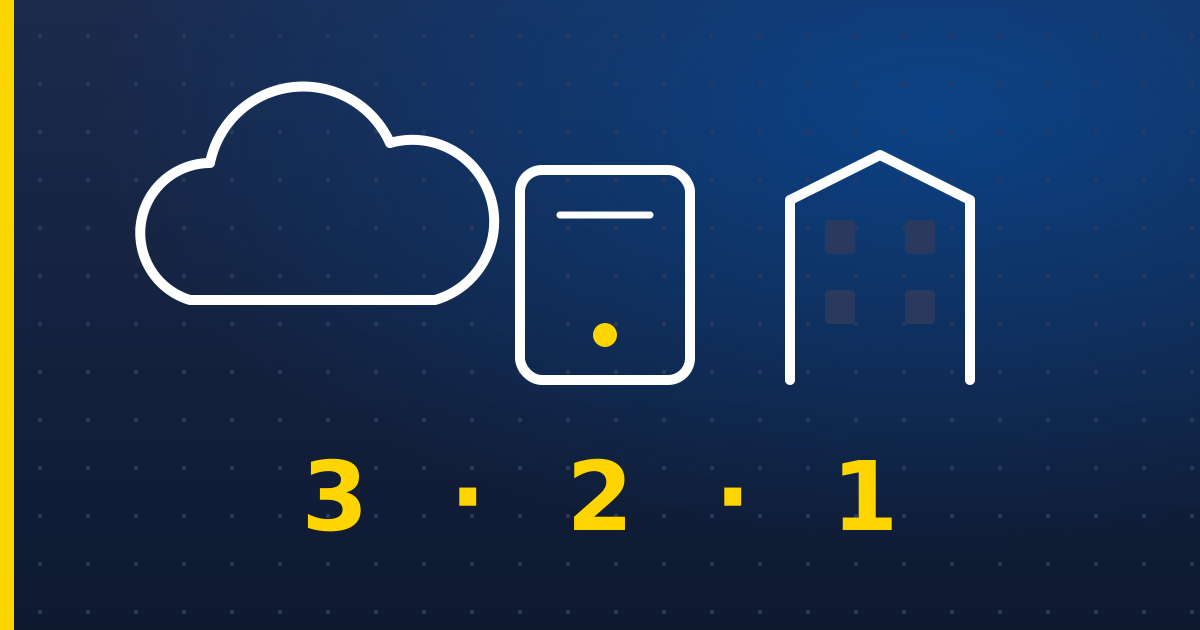
The 3-2-1 rule
- 3 copies of anything important (the original plus two backups),
- on 2 different kinds of storage (say, the cloud and an external drive),
- with 1 copy off-site or offline, away from your office and your network.
Sync is not backup
OneDrive, SharePoint, Dropbox and Google Drive sync: delete or encrypt a file on one device and the change copies everywhere, quickly. They keep deleted items and older versions for a while, but only for a limited time, and they won't save you if an account is compromised or someone quietly deletes things over months.
Microsoft's own service agreement recommends that you regularly back up your content yourself. A dedicated Microsoft 365 backup service that copies your email, OneDrive and SharePoint somewhere separate is inexpensive and well worth it.
Protect against ransomware
Ransomware encrypts everything it can reach — including backup drives that are left plugged in and cloud folders that sync. Keep at least one copy that it can't reach: a drive that's disconnected after each backup, or a cloud backup with “immutable” (can't-be-deleted) retention.
A simple setup for a small team
- Microsoft 365 or Google Workspace for email and files, with a third-party backup of it.
- Laptops backed up automatically to the cloud, so a lost or stolen laptop is an inconvenience, not a disaster.
- A monthly offline copy of the most important data, stored away from the office.
- A one-page note saying what's backed up, where, and how to restore it.