Guides
Guides & tips
Practical, plain-English fixes for the problems I'm asked about most — try them yourself first, and if you'd rather I sorted it, just get in touch.
For your home
Around the house
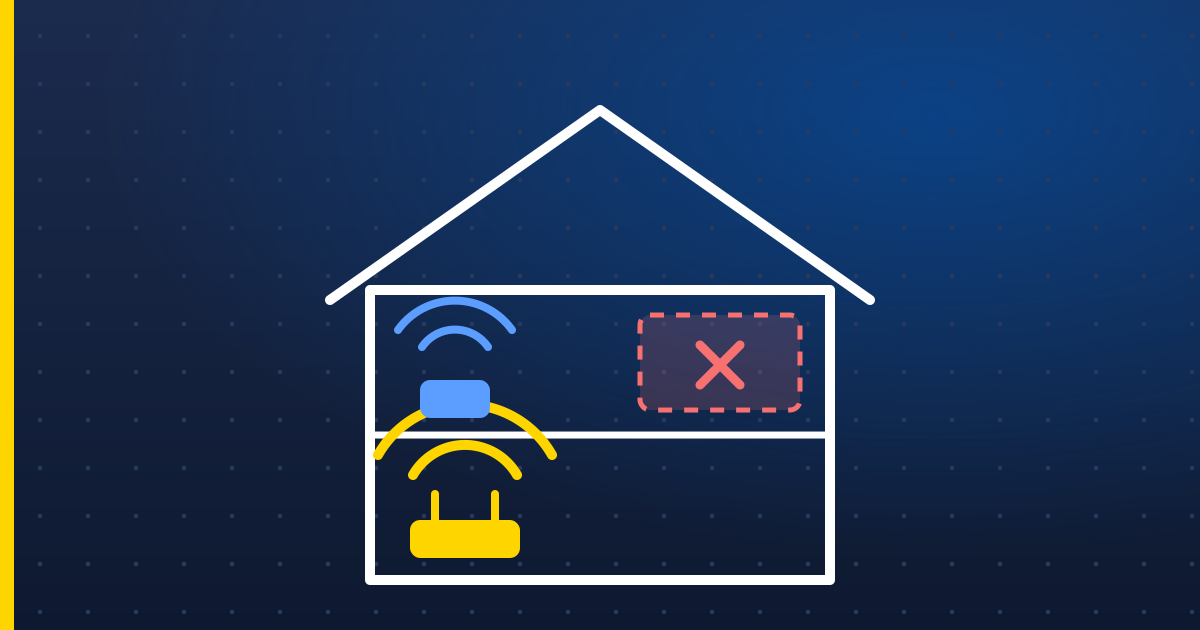
Wi-Fi not reaching every room? Fix it before you buy anything
Simple, free fixes for Wi-Fi dead spots and buffering — router placement, restarts and the 2.4 vs 5 GHz question — and when mesh Wi-Fi is actually worth it.
Read the guide →
Slow computer? A 15-minute checklist before you give up on it
A practical checklist for a slow Windows PC or laptop: startup apps, storage, updates, browser clutter and malware checks — plus the one upgrade that makes the biggest difference.
Read the guide →
How to spot tech support scams — and lock down your accounts
How to recognise scam calls, texts and pop-ups, what to do if you've been caught out, and three simple steps that protect your email and bank accounts.
Read the guide →For business
Running a small business
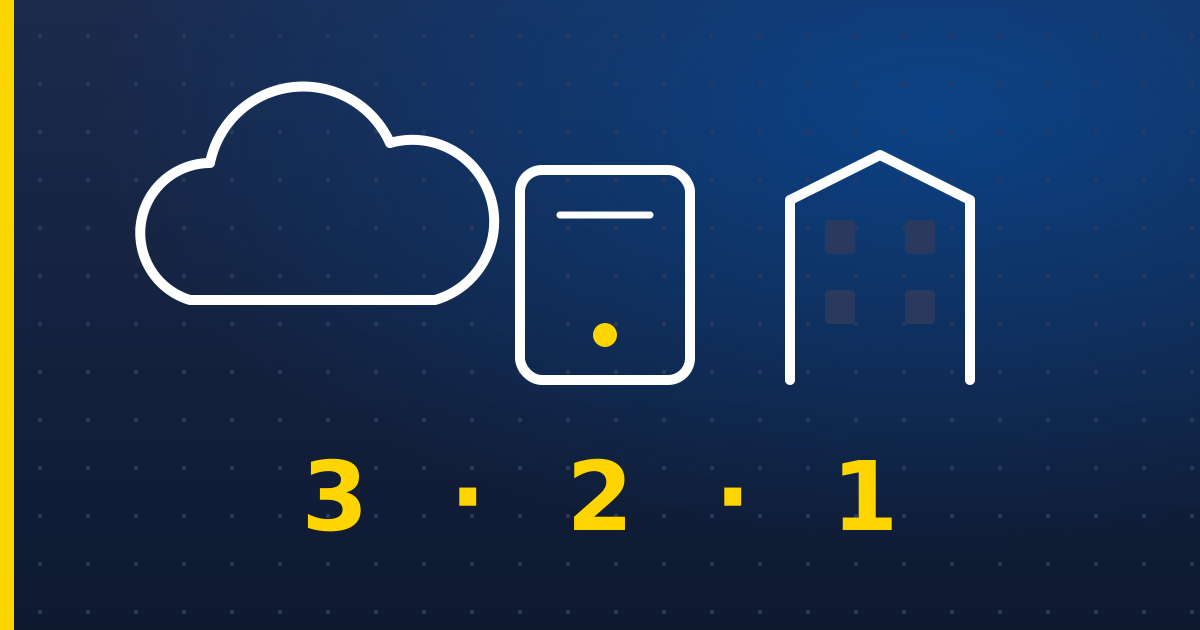
Small business backups: the 3-2-1 rule, and why Microsoft 365 isn't a backup
A plain guide to backing up a small business: the 3-2-1 rule, why OneDrive and Microsoft 365 sync isn't a backup, protecting against ransomware, and testing restores.
Read the guide →
Microsoft 365 security basics every small business should switch on
Five Microsoft 365 settings that stop most attacks on small businesses: MFA for everyone, separate admin accounts, checking mail forwarding rules, and more.
Read the guide →
Cyber Essentials explained: what it is and whether your business needs it
A plain-English guide to Cyber Essentials, the UK government-backed security certification: the five controls, Cyber Essentials vs Plus, and who needs it.
Read the guide →Apple
Mac, iPhone & iPad

Speed up an older Mac: what actually works
Practical steps to speed up a slow Mac or MacBook: login items, storage, Activity Monitor, macOS updates and safe mode — and when an upgrade or replacement makes more sense.
Read the guide →
How to back up your Mac and iPhone properly
How to back up a Mac with Time Machine and an iPhone or iPad with iCloud Backup — and why iCloud Photos and iCloud Drive syncing on their own aren't a backup.
Read the guide →
Switching from Windows to Mac: your first-week survival guide
Moving from a Windows PC to a Mac: transferring files with Migration Assistant, the keyboard shortcuts that change, Finder vs File Explorer, and apps you'll need.
Read the guide →Websites
Websites & getting found
Website launch checklist: 12 things to check before you go live
A practical pre-launch checklist for a small business website: domain ownership, HTTPS, mobile, page titles, Google Search Console, contact forms, privacy and backups.
Read the guide →
Get found locally: Google Business Profile basics
How to set up and look after a Google Business Profile so local customers find you on Google Search and Maps: categories, service areas, photos, reviews and posts.
Read the guide →
Built your site with Lovable or another AI tool? Publish it safely
What to check before putting a site built with Lovable, Bolt or a similar AI tool online: custom domains, keeping secret keys out of the browser, database security, backups and SEO.
Read the guide →