The common ones
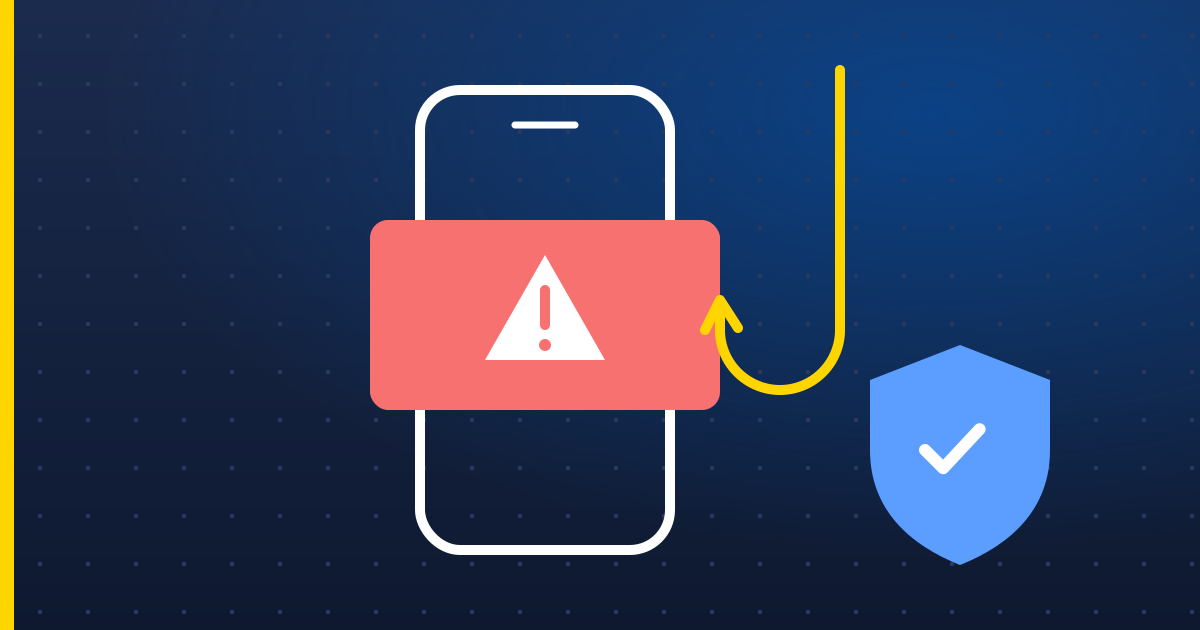
- “Your computer has a virus” pop-ups with a phone number and alarming sounds. Real security warnings never ask you to ring anyone.
- Calls from “Microsoft”, “BT” or “your broadband provider” saying your router or PC has been hacked. These companies don't cold-call about your computer.
- Your bank's fraud team asking you to move money to a “safe account”. Banks never do this — it's always a scam.
- Parcel, HMRC or energy-refund texts with a link to “confirm your details”.
The golden rules
- Never let a caller connect to your computer. If anyone asks you to install AnyDesk, TeamViewer or similar, hang up.
- Never read out codes sent to your phone — that's how they get into your accounts.
- Call back on a number you trust — the one on the back of your bank card, not the one they give you.
Good to know In the UK you can call 159 to reach your bank safely if you're worried about a call. Forward scam texts to 7726 and scam emails to [email protected].
If you've already been caught out
- Phone your bank straight away using the number on your card.
- If they had remote access, switch the computer off and get it checked before using it for banking again.
- Change your email password first (it's the key to everything else), then any others you shared.
- Report it to the police's fraud reporting service.
Lock down your accounts in 15 minutes
- Turn on two-step verification for your email, bank and Apple or Google account. It stops most break-ins even if a password leaks.
- Use a password manager — the one built into your iPhone, Mac, Chrome or Edge is fine — so every account gets its own password.
- Use passkeys where sites offer them. They can't be phished.