1. Check it's really the Wi-Fi
Plug a laptop into the router with a network cable and run a speed test (search “speed test” in your browser). Then do the same over Wi-Fi standing next to the router, and again in the problem room.
- Slow even on the cable? It's your broadband line — contact your provider, or check what's available at your postcode with the checker on my home page.
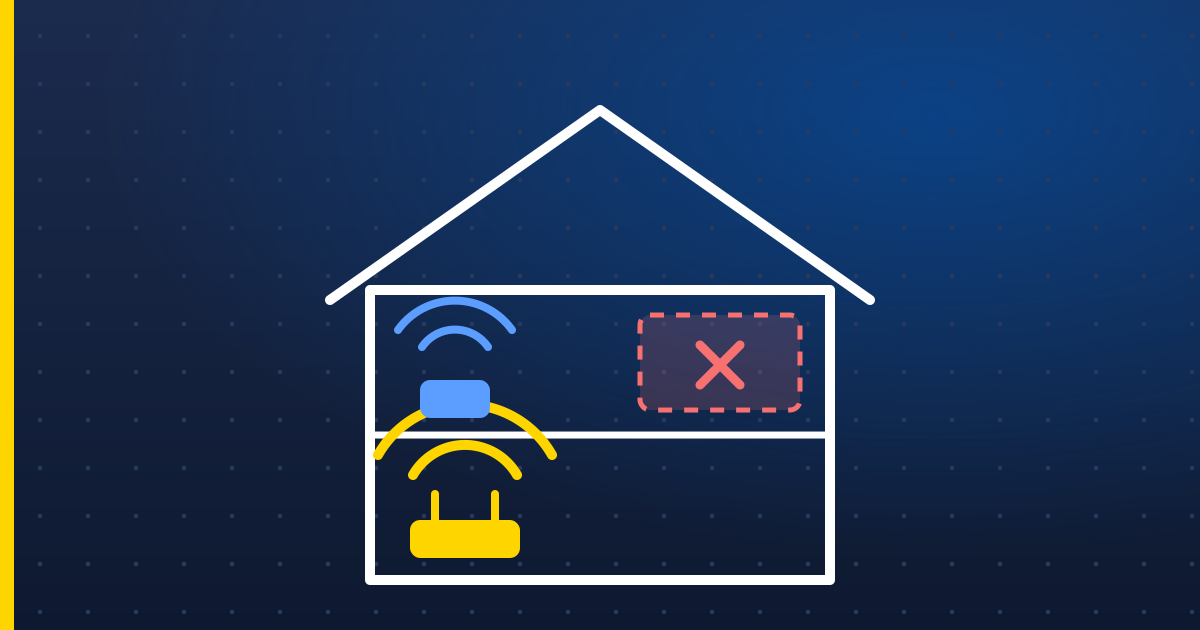
- Fast on the cable, slow in the back bedroom? It's the Wi-Fi reaching that room. Read on.
2. Give the router a better home
Routers usually end up wherever the cable comes into the house — on the floor, behind the TV, in a cupboard. Wi-Fi hates all three.
- Get it off the floor and into the open — a shelf at chest height is ideal.
- Keep it away from mirrors, fish tanks, metal cabinets and the microwave.
- Stand it the right way up, aerials (if it has them) pointing up.
- If you can, move it towards the middle of the house — a longer phone or fibre extension lead is often all it takes.
Quick win Turn the router off and on again once in a while. It sounds daft, but it clears up memory and lets it pick a quieter channel.
3. Understand the two bands
Most routers broadcast on two frequencies. 2.4 GHz goes further and through walls better but is slower and busier. 5 GHz is much faster but fades quickly through walls and floors. If a device keeps dropping in a far room, it may be clinging to a weak 5 GHz signal — most routers let you show the bands as two separate networks so you can choose.
4. When to add more hardware
- Avoid cheap plug-in extenders — they often halve your speed and create a second network that devices get stuck on.
- Mesh Wi-Fi (two or three units that work as one network) is the right answer for bigger houses, extensions and garden offices.
- Best of all, connect mesh units with a network cable where you can. A neat cable run beats any wireless trick.